Sign in for the first time
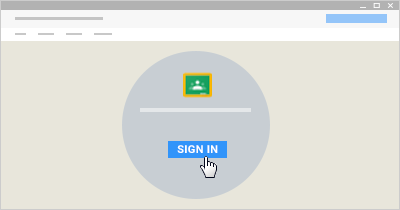
- Go to classroom.google.com and click Sign In.
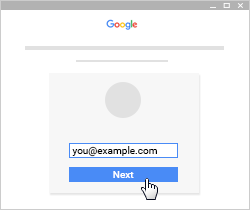
- Enter your G Suite for Education username or your personal Google Account username and click Next.
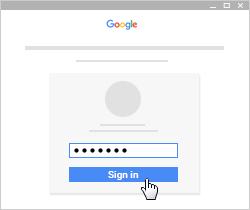
Remember: Your G Suite for Education username might look like [email protected]. Your personal account username might look like [email protected]. - Enter your password and click Sign in.
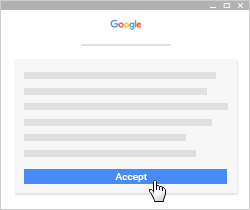
- If there is a welcome message, read it and click Accept.
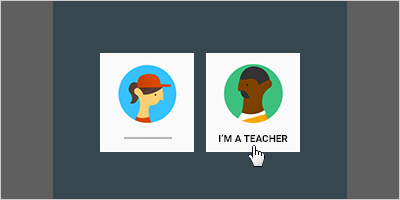
- If you're using a G Suite for Education account, click I’m A Student or I’m A Teacher.
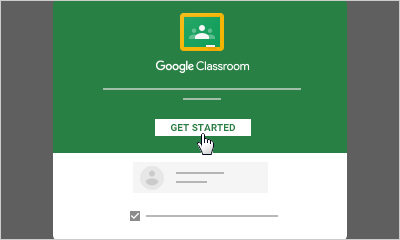
- Click Get Started.